All your formats
Photos, videos, GIFs and PDFs in one app.
- JPEG
- PNG
- HEIC
- WebP
- MP4
- MOV
- GIF
 miawww
Meet Rezide
 Rezide for Mac
Rezide compresses photos, videos, GIFs and PDFs on your Mac. Drag a file up to the notch, let go, and the lighter copy appears next to the original. Nothing is uploaded.
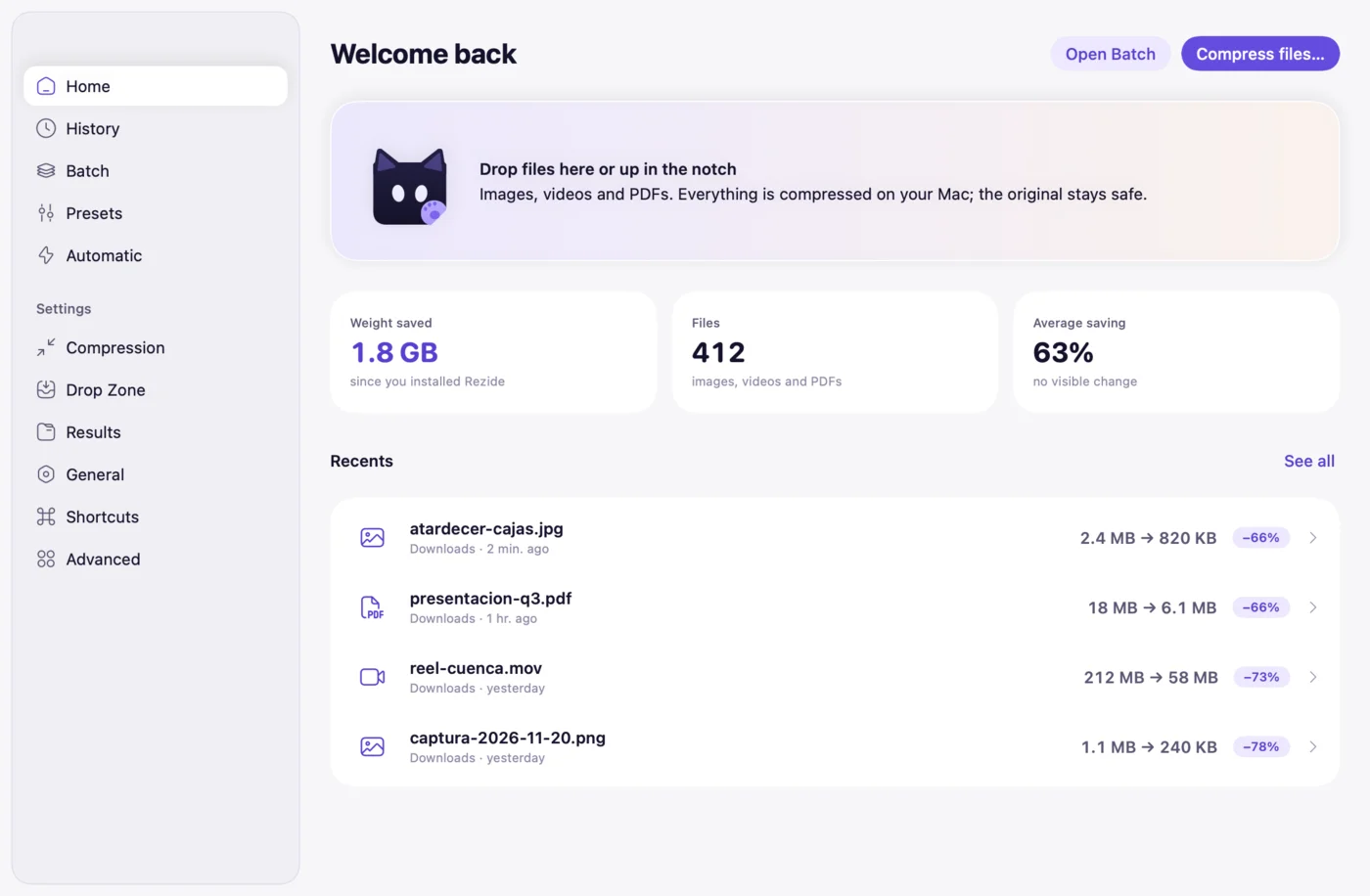


Nothing to open. Bring the file to the top of the screen and Rezide is waiting there.

One app to make your files lighter, from a single drag to hundreds at once.
Photos, videos, GIFs and PDFs in one app.
0
Everything is compressed on your Mac. It even works without Wi-Fi.
Hundreds of files at once, with the same format and quality. Pause and resume any time.

Pick a folder, like Downloads, and Rezide compresses whatever new arrives. Off by default: you turn it on.
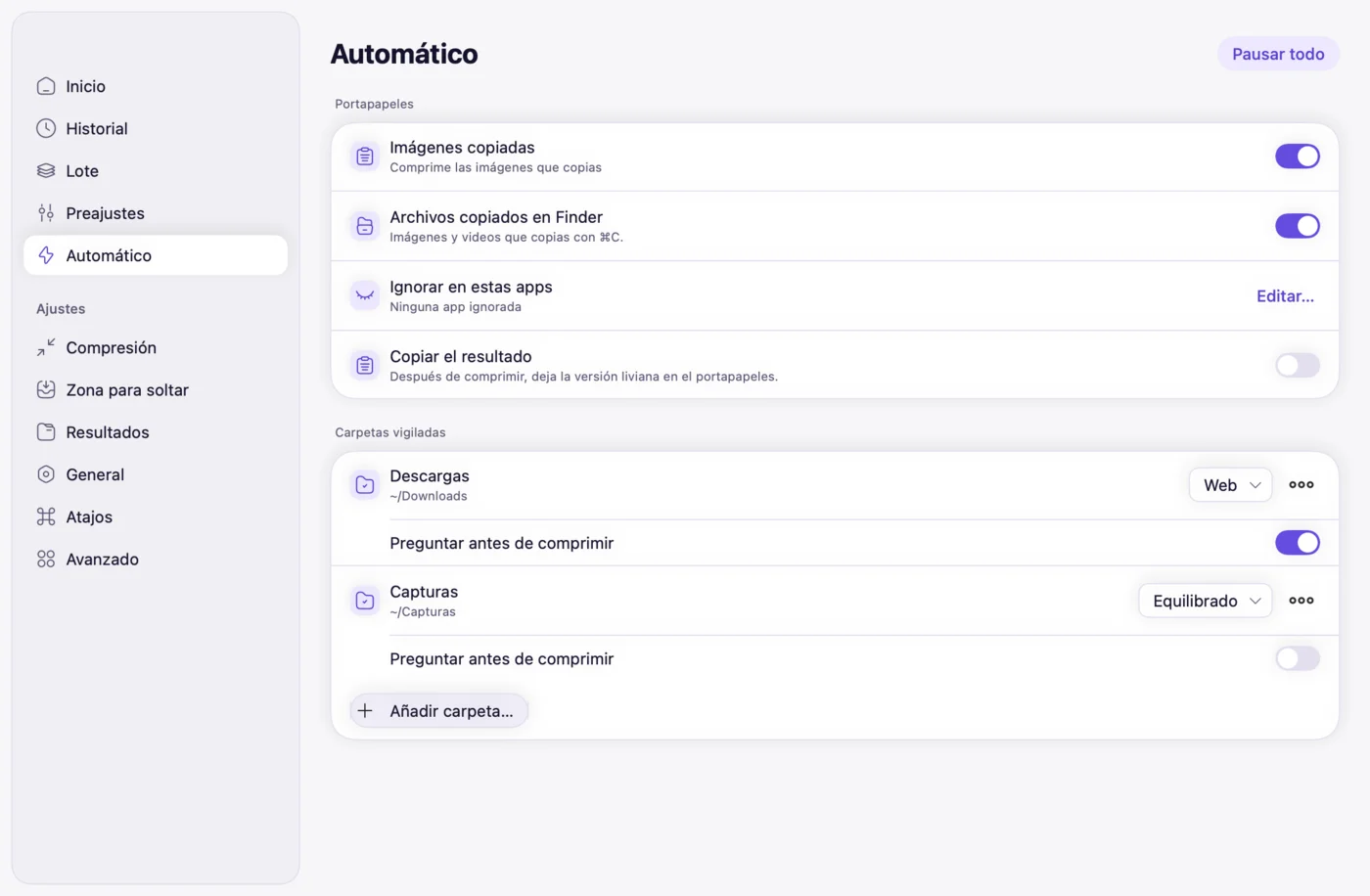

Compress what you copied with a hotkey you choose, or build automations in the Shortcuts app.
JPEG, PNG, HEIC and WebP, lighter and just as sharp.
For chat and email. Drop the audio or cap the frame rate when you need to.
Keep the GIF or turn it into animated WebP or MP4.
Smaller, with text and charts just as clear.
Hundreds of files at once, with pause and retry.
Compresses whatever lands in Downloads or a folder you choose.
Images you copy get compressed on their own, if you turn it on.
Drag to the top of the screen and let go. Nothing to open.
Turn photos into WebP or JPEG in the same step.
WhatsApp, Web, Email or your own, one click away.
Strip location and keep the colour profile and dates.
Everything you compressed, with what it saved. Search or export it.
Compare, open in Quick Look or restore the original.
Keyboard shortcuts and automations with the Shortcuts app.
The same file, lighter and ready for email, chat or your website.
Lighter, just as sharp. Converts to WebP or JPEG too.
The clip fits in the chat or the email, with the same picture.
The animation moves just as smoothly and weighs less.

Text and charts read the same, in a file that's easier to attach.
The notch covers the everyday. When you want more, Rezide's window shows you everything.
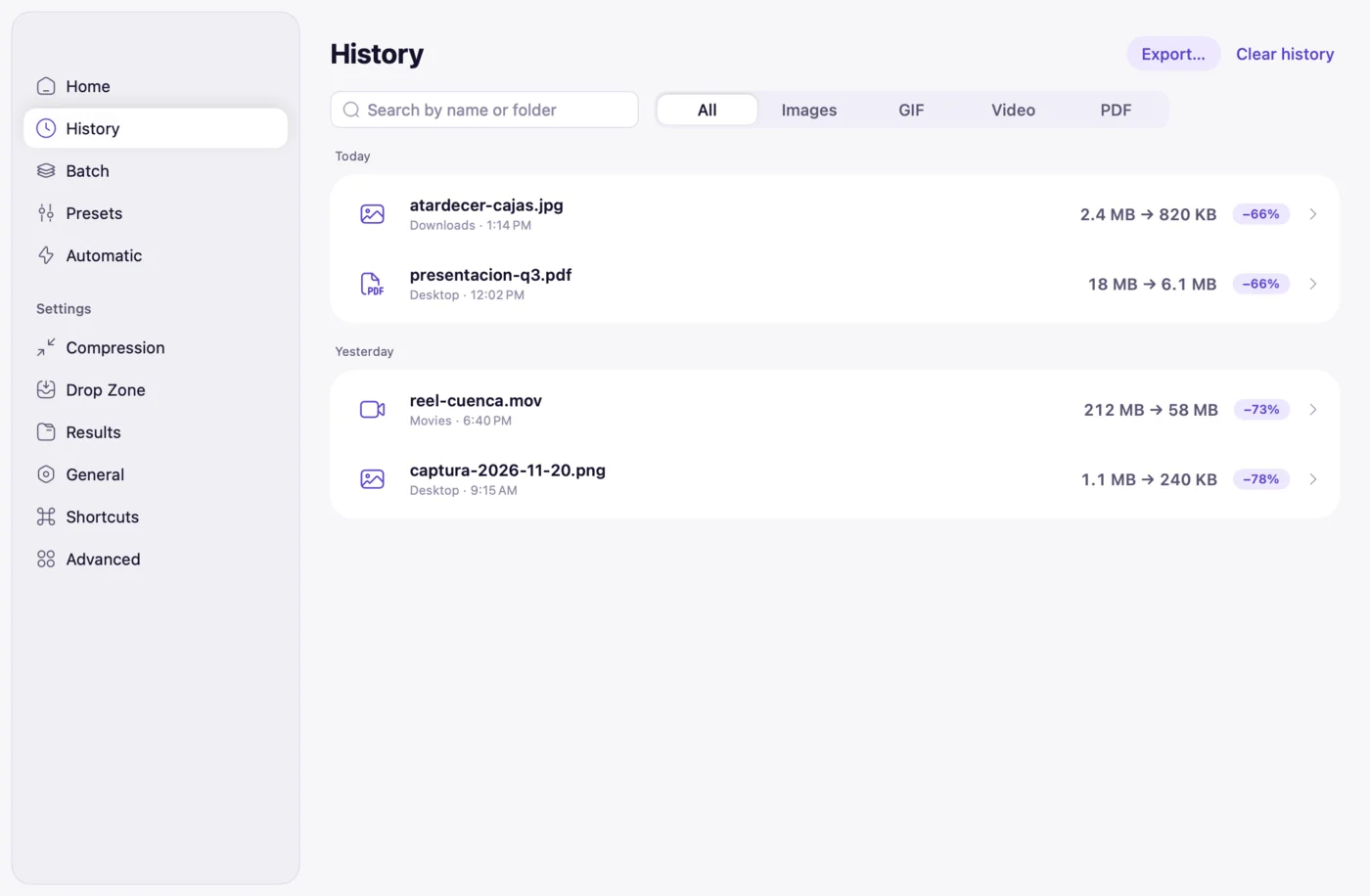
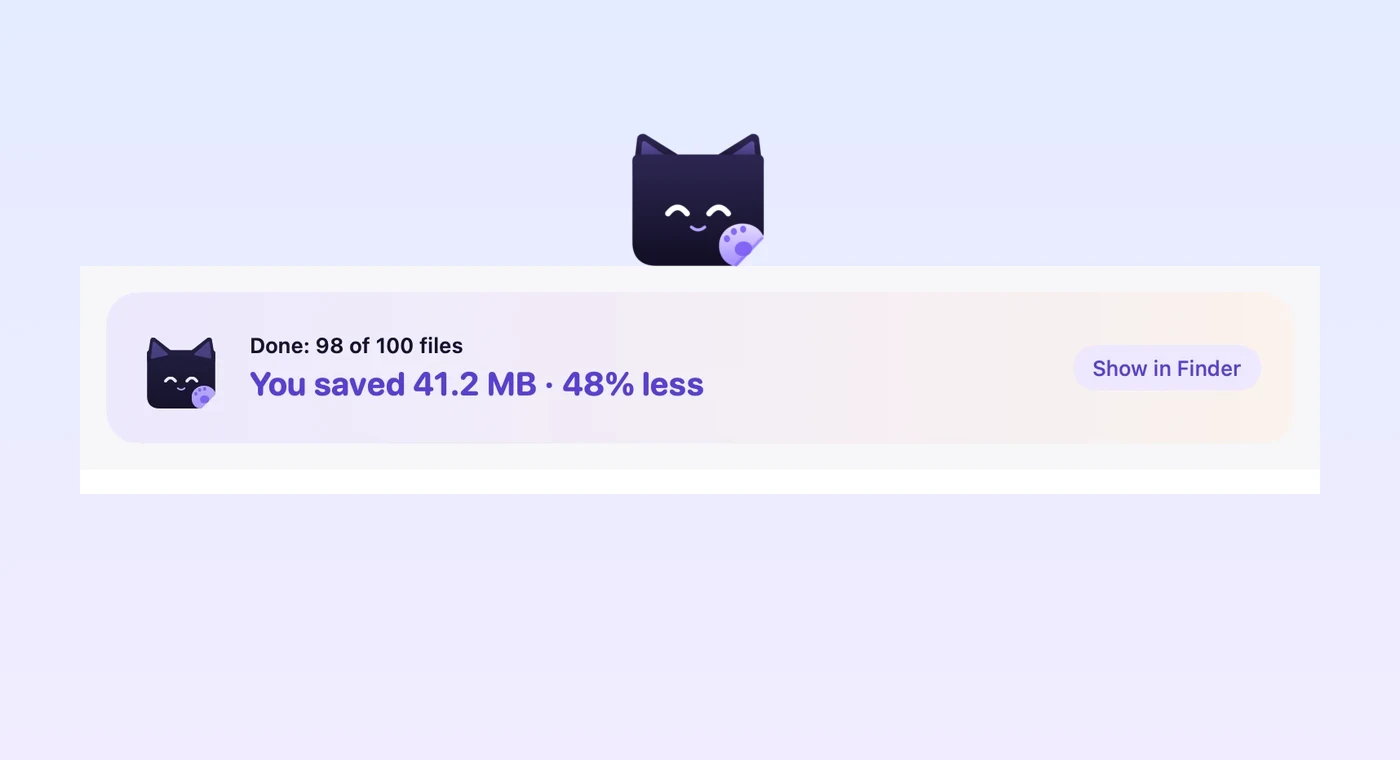

Online tools upload your files to their servers. Rezide compresses them on your Mac, with no account and no internet. Try it: turn off Wi-Fi and it keeps working.
USD 15 USD 20
one-time · 2 Macs
Launch price for people who sign up early. After that, USD 20. No subscription. Payments are handled by Paddle.
No. Compression happens entirely on your Mac, with no account. Rezide checks its licence at most once every 30 days and, offline, you get 30 more days. A compression in progress is never interrupted.
Rezide looks for the smallest size that still looks the same. Want more? "Compress harder" trades a little quality for a smaller file.
It stays untouched. Rezide saves a new copy next to it.
macOS 14 Sonoma or later.
No subscription. Try it free for 7 days, no card, then pay USD 20 once for 2 Macs. Sign up before launch and it's USD 15.
Rezide is in testing and comes to Mac first. Sign up and we'll tell you on launch day.